EX:OH Feature
EX:OH CMS has been built to make the life of platform owners and web agencies dealing with many customers as easy as possible.
One of the scenarios in which EX:OH will excel is helping out with large content updates that need to happen.
We've all been there, one of your customers has a change of heart and wishes all instances of their brand name to no longer be capitalised.
In most circumstances, you would go through each and every page and do a search/replace on those particular terms. This is exhausting and a waste of time.
In other situations you may have more structural changes that need to happen (a banner needs to be inserted on a certain set of pages).
For these content mass-updates EX:OH offers a solution: Content Tasks.
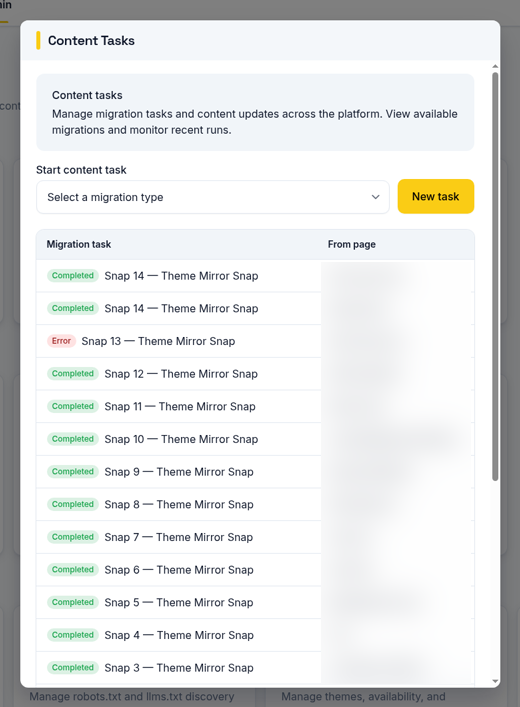
Out of the box, it comes with a number of tasks that the administrator can run, one of the examples being "Search & Replace".
It works as follows:
Nothing will be published until you say so.
Content Tasks take away yet another time-suck from your already busy lives.