
EX:OH Feature
Customers interacting with EX:OH CMS use pretty interfaces to view and manipulate a more complex underlying set of data structures.
Sometimes these more refined tools do not show the level of detail needed to properly analyse content issues your support staff may receive.
This is why the Content Explorer tool comes in handy. It is a tree-based interface, that lets you navigate:
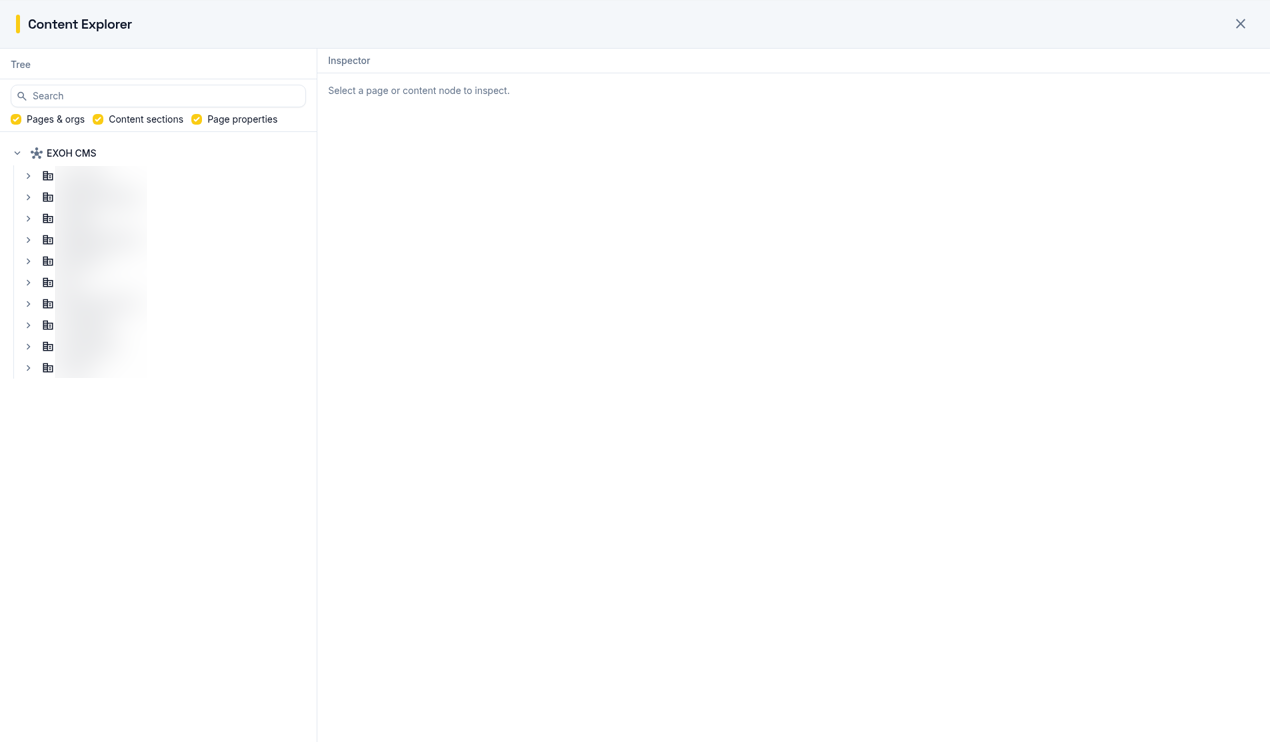
This tool, combined with other tools such as the Content Tasks form a powerful and cohesive set of operations that let you analyse and manipulate the content of the CMS in ways that would otherwise be too time-consuming.