Lorem ipsum background
Releases

Feature Drop
2026.6

What's new?

The editor and admin experience has been rebuilt. All aspects of the CMS now share one clean interface. The landing page has been rethought, giving you quick access to items that are most likely relevant to what you're doing.

You can now access the Preview page from within the editor.

The white label functionality has become an official admin panel. Choose from ready-made palettes, and the visual editor follows the same colours. Editors can switch the CMS to light, dark, or match the device.
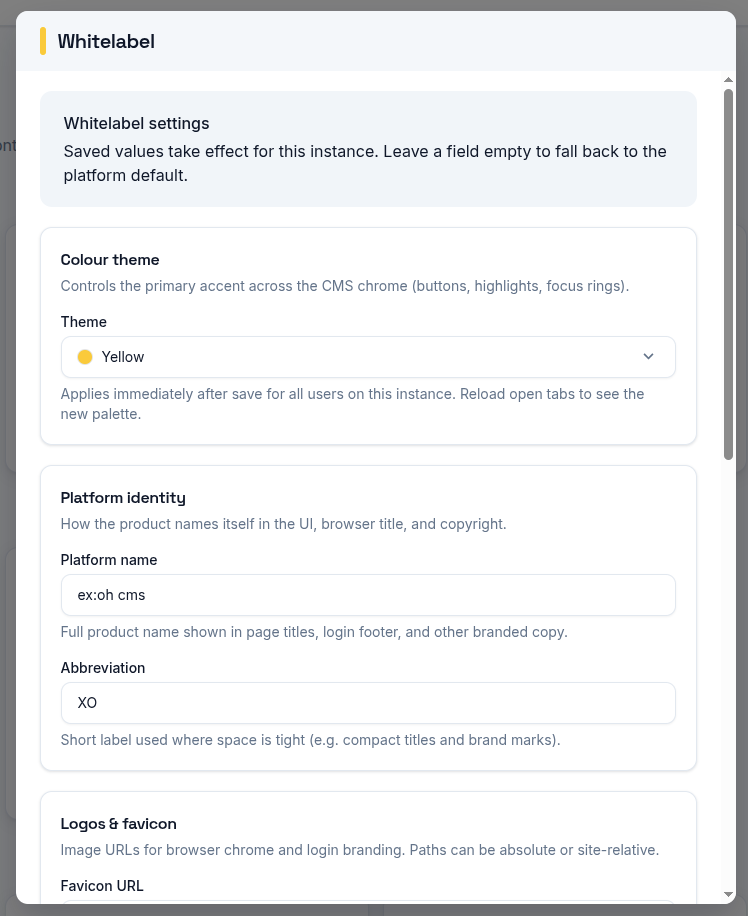
Whitelabel admin panel

Notify downstream systems with the new webhook functionality.
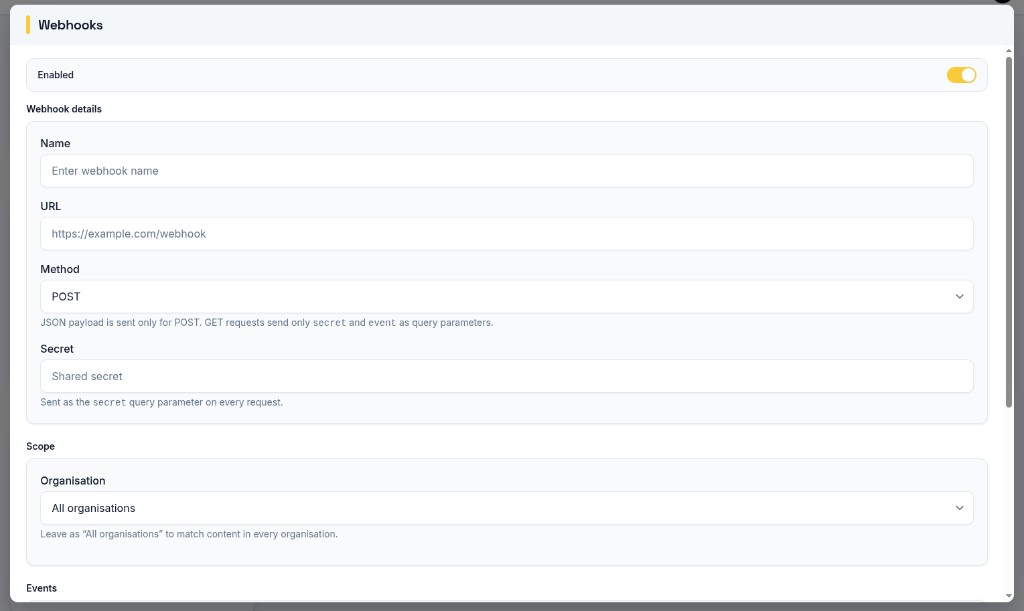
Webhooks configuration

Let your images shine through better with the new focal point functionality.
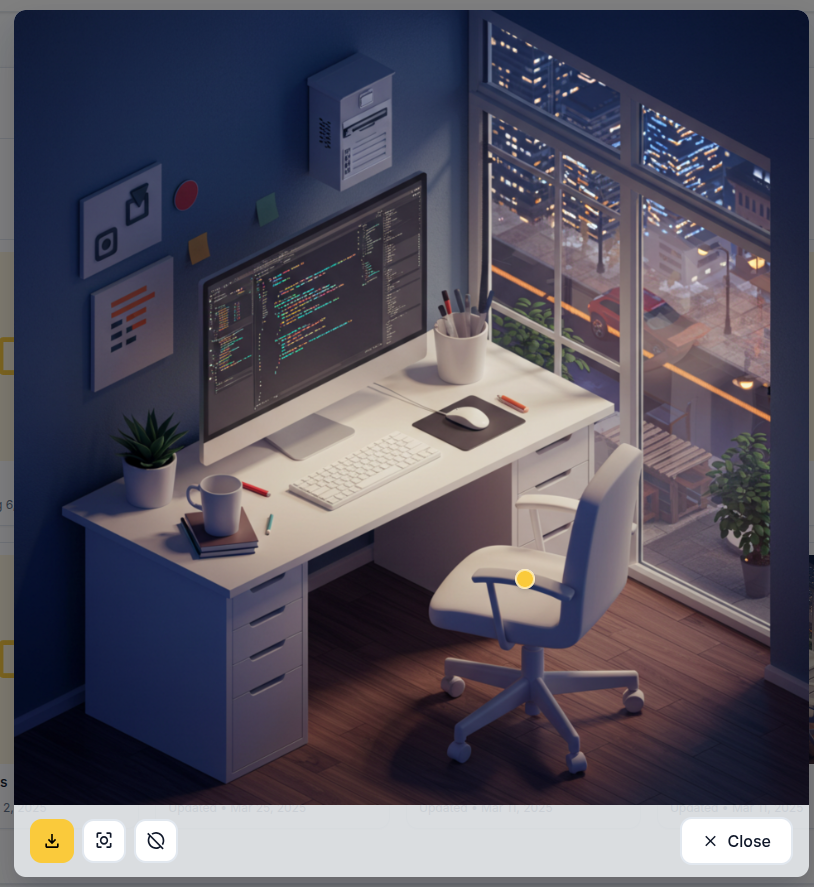
Focal point

Publish several unpublished pages at once, and notify other systems when content changes with outgoing webhooks.

Lastly, the Foundation Theme has received more building blocks: pricing, FAQ, stats, call-to-action, process steps, comparison table, social proof, and article hero.

Detailed Changes

A new CMS admin

  • Rebuilt interface — Login, pages, media, settings, integrations, and organisation admin share a consistent look
  • A better start after login — Admins get impersonate and organisation shortcuts; editors resume recent and unpublished work
  • Whitelabel from the admin — Name, logos, and colour palettes apply without a restart
  • Dark mode — Light, dark, or match the device; editor chrome follows the same choice
  • Lists that fill the window — Page and media lists stretch to the screen instead of sitting as a short strip
  • Clearer page properties — Aspect forms use the same section headings and card layout; a loader shows while properties open
  • Faster organisation search — The organisations list filters as you type
  • Theme admin — Themes are managed as a full list, not a dropdown

Visual editor

  • Preview from the toolbar — A Preview page button next to Save opens the page on the preview domain
  • Media picker stays on top — Choosing an image from component settings no longer hides behind the dialog
  • Selection chrome stays out of the way — Highlight and action controls no longer cover the toolbar at the top of the page
  • Section dialogs follow light and dark — Settings panels use the same surfaces as the rest of the editor

Media

  • Focal point — Click a preview in the media library to keep the important part of an image in frame when it is cropped
  • Theme thumbnails — The default theme image shows again when a theme has no custom thumbnail

Publishing

  • Publish several pages at once — The unpublished list has checkboxes and bulk Publish / Publish later
  • Clearer redirect setup — When a vanity URL and redirect are both set, a notice points you to the Redirects tab

Integrations

  • Outgoing webhooks — Notify other systems on publish, unpublish, edits, media changes, and when a content-push run finishes

Foundation Theme & public site

  • New sections — Pricing, FAQ, stats, call-to-action, process steps, comparison table, social proof, and article hero
  • Dark sites keep a dark navbar — After you scroll, the header stays dark in dark mode
  • Search and SEO — No-index pages emit the correct robots meta; organisation details and breadcrumbs can appear as structured data